
Excel FILTER function with multiple criteria: combine AND (*) and OR (+) conditions on a customer list. Instant correction.

Excel FILTER exercise: extract customers by region, city, gender or sales with one criterion. Instant correction.
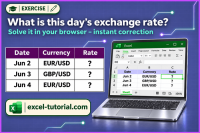
Excel XLOOKUP with multiple criteria: find an exchange rate by crossing the date and the currency. Instant correction.
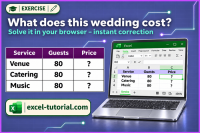
Excel XLOOKUP exercise: price a wedding quote with two rate tables, ascending and descending, without sorting. Instant correction.
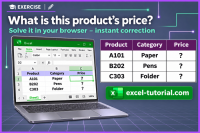
Understand and practice XLOOKUP: simple lookup, message when not found and lookup to the left. Instant correction.
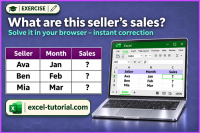
Excel INDEX + MATCH exercise: find a salesperson's sales by quarter, from MATCH alone to a two-way lookup. Instant correction.
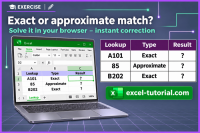
Excel exercise to calculate shipping costs with VLOOKUP: choose between exact and approximate lookup. Instant correction.
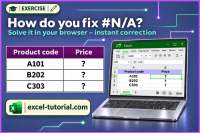
How to fix #N/A errors in VLOOKUP: repair six broken formulas, one mistake at a time. Instant correction.
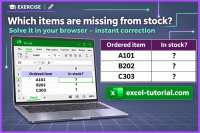
Excel exercise to compare two lists with VLOOKUP and IFERROR: stock versus orders, in both directions. Instant correction.
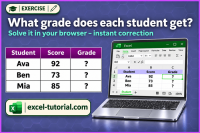
Excel exercise to assign grades with an approximate VLOOKUP, and see why the grading scale must be sorted. Instant correction.
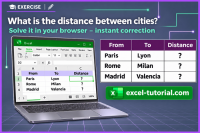
Excel INDEX exercise: read the distance between two cities in a two-way table. Instant correction.
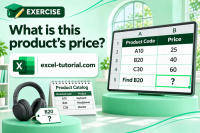
Excel VLOOKUP exercise: find the name, category and price of a product from its reference. Free exercise with instant correction.

Excel MATCH exercise: find the position of a day or a month in a list. Free exercise with instant correction.


