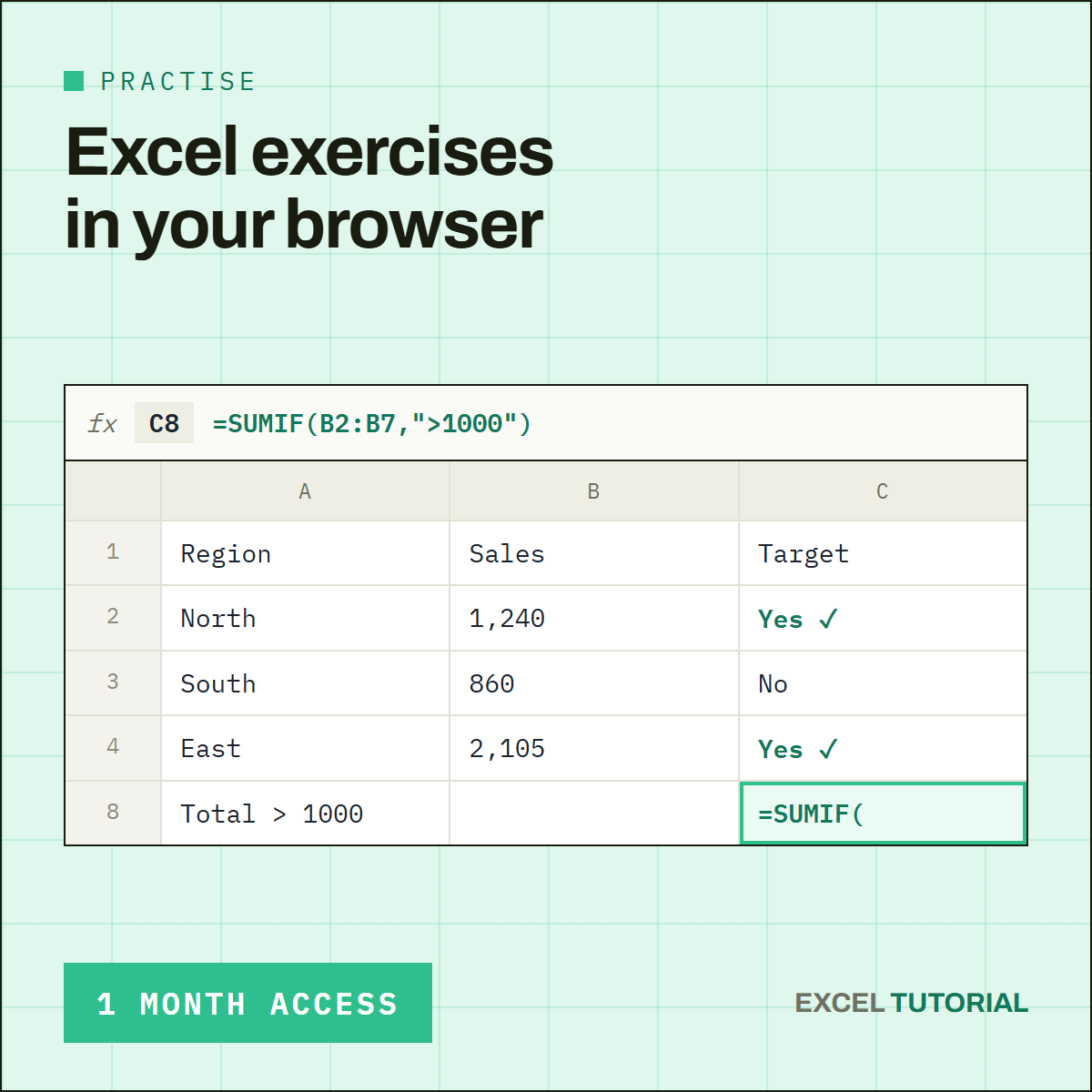
Stop watching tutorials — start practicing. This subscription unlocks every Beginner-level exercise in our library: real spreadsheet scenarios, corrected and explained step by step, right in your browser.
Whether you're just getting comfortable with formulas or want to build real muscle memory before tackling lookup functions, this is where you start.
What's Included
🧮 IF & Logical Tests
IF, nested IF, AND / OR — learn to make Excel think for you, one condition at a time.
🔎 COUNTIF & SUMIF
COUNTIF, SUMIF, COUNTIFS and every operator you'll actually use to count and total real data.
📐 AVERAGEIF & Conditional MIN/MAX
Summarize data the right way — averages, minimums and maximums, with conditions applied.
How It Works
🖥️ Real Spreadsheet, No Download
Every exercise runs in a real spreadsheet, right in your browser. No install, no plugin, no time limit.
✅ Instant, Automatic Grading
Submit your formula and get graded instantly — no waiting, no guessing whether you got it right.
🔓 Cancel Anytime
No contract, no commitment. Cancel whenever you like, or upgrade to Advanced the moment you're ready for lookup functions.
{"mobile_concate":{"mobile-menu":"https:\/\/excel-tutorial.com\/wp-content\/themes\/themify-infinite\/mobile-menu.css"},"tf_base":{"s":"https:\/\/excel-tutorial.com\/wp-content\/themes\/themify-infinite\/themify\/css\/base.min.css","v":"8.1.9"},"themify_common":{"s":"https:\/\/excel-tutorial.com\/wp-content\/themes\/themify-infinite\/themify\/css\/themify-common.css","v":"8.1.9"},"builder-styles-css":{"s":"https:\/\/excel-tutorial.com\/wp-content\/themes\/themify-infinite\/themify\/themify-builder\/css\/themify-builder-style.css","v":"8.1.9"},"tb_tbp":{"s":"https:\/\/excel-tutorial.com\/wp-content\/plugins\/themify-builder-pro\/public\/css\/tbp-style.css","v":"3.8.8"},"tb_tbp-woo":{"s":"https:\/\/excel-tutorial.com\/wp-content\/plugins\/themify-builder-pro\/public\/css\/wc\/tbp-woocommerce.css","v":"3.8.8"},"tb_tbp-qty":{"s":"https:\/\/excel-tutorial.com\/wp-content\/plugins\/themify-builder-pro\/public\/css\/wc\/tbp-qty.css","v":"3.8.8"},"woocommerce-layout":{"s":"https:\/\/excel-tutorial.com\/wp-content\/plugins\/woocommerce\/assets\/css\/woocommerce-layout.css","v":"11.0.0"},"woocommerce-smallscreen":{"s":"https:\/\/excel-tutorial.com\/wp-content\/plugins\/woocommerce\/assets\/css\/woocommerce-smallscreen.css","v":"11.0.0","m":"only screen and (max-width: 768px)"},"woocommerce-general":{"s":"https:\/\/excel-tutorial.com\/wp-content\/plugins\/woocommerce\/assets\/css\/woocommerce.css","v":"11.0.0"},"wp-block-library":{"s":"https:\/\/excel-tutorial.com\/wp-includes\/css\/dist\/block-library\/style.min.css","v":"7.0.3"},"tf_theme_site-logo":{"s":"https:\/\/excel-tutorial.com\/wp-content\/themes\/themify-infinite\/styles\/modules\/site-logo.css","v":"7.6.2"},"tf_theme_site-description":{"s":"https:\/\/excel-tutorial.com\/wp-content\/themes\/themify-infinite\/styles\/modules\/site-description.css","v":"7.6.2"},"tf_search_form":{"s":"https:\/\/excel-tutorial.com\/wp-content\/themes\/themify-infinite\/themify\/css\/modules\/search-form.css","v":"8.1.9"},"tf_grid_grid4":{"s":"https:\/\/excel-tutorial.com\/wp-content\/themes\/themify-infinite\/themify\/css\/grids\/grid4.css","v":"8.1.9"},"tb_text":{"s":"https:\/\/excel-tutorial.com\/wp-content\/themes\/themify-infinite\/themify\/themify-builder\/css\/modules\/text.css","v":"8.1.9"},"theme-style":{"s":"https:\/\/excel-tutorial.com\/wp-content\/themes\/themify-infinite\/style.css","v":"7.6.2"},"themify-media-queries":{"s":"https:\/\/excel-tutorial.com\/wp-content\/themes\/themify-infinite\/media-queries.css","v":"7.6.2","m":"(max-width:1200px)"}}
Reviews
There are no reviews yet.