Description
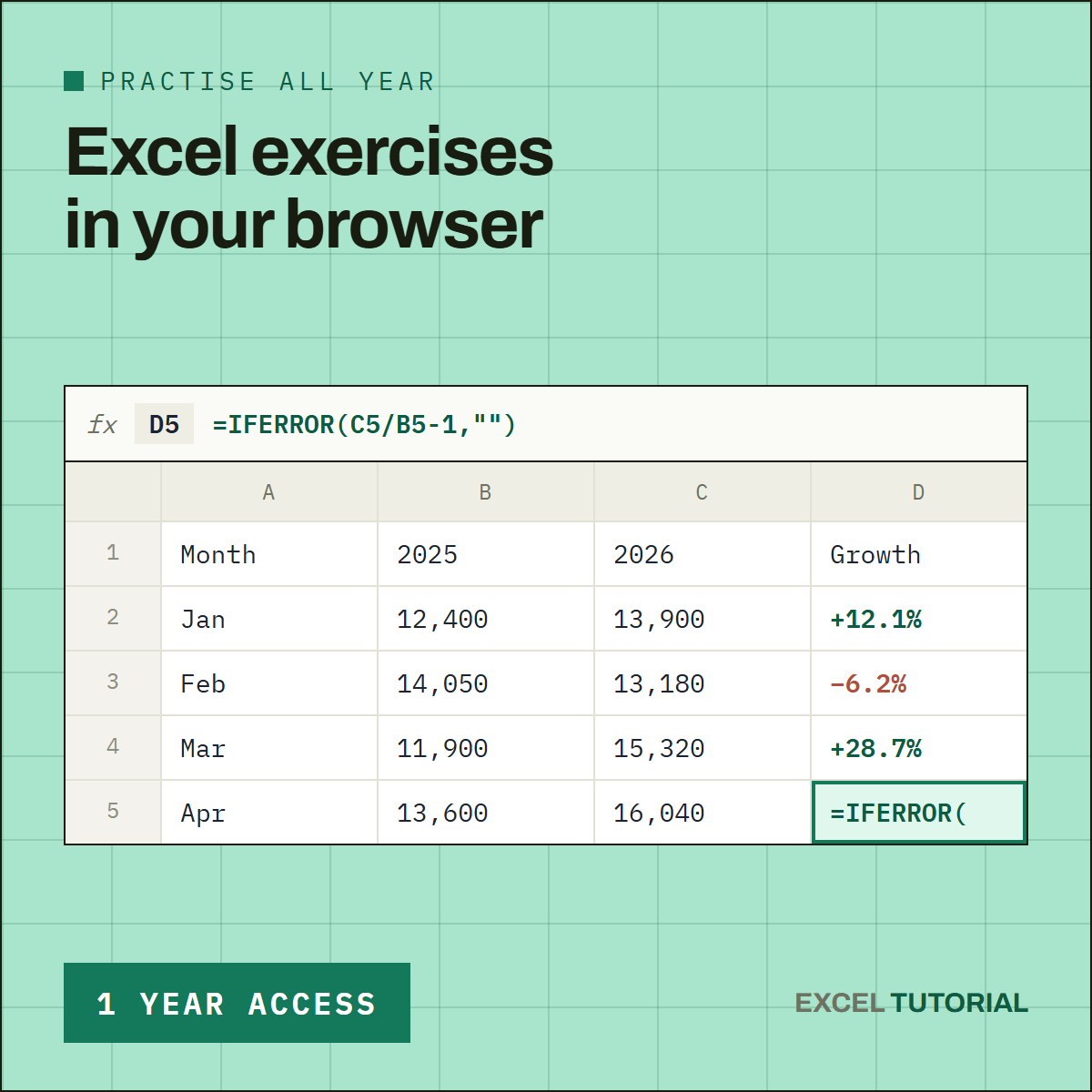
Stop watching tutorials — start practicing. This pass unlocks all 91 exercises in the library for a full year: real spreadsheet scenarios, corrected and explained step by step, right in your browser.
One price, the whole catalogue — and every exercise added during your year is included at no extra cost. The library keeps growing; your access follows it.
What’s Included
🧮 IF & Logical Tests
IF, nested IF, AND / OR, IFERROR — learn to make Excel think for you, one condition at a time.
🔎 COUNTIF, SUMIF & Summary Tables
COUNTIF, SUMIF, COUNTIFS, SUMIFS, AVERAGEIF and every operator you will actually use to count and total real data.
✂️ Text Functions
LEFT, MID, FIND, SUBSTITUTE, TEXTSPLIT — clean a broken import, build an ID, fix letter case.
🔍 Lookups
VLOOKUP, INDEX + MATCH, XLOOKUP and FILTER — compare two lists, search in reverse, deal with #N/A.
📅 Dates, Times & Statistics
DATEDIF, EOMONTH, NETWORKDAYS, timesheets, percentages, moving averages, RANK and QUARTILE.
Why the Year
💰 The Price of 10 Months
A full year costs about what ten months would cost one at a time. Two months, on the house.
📈 Room to Go Further
Ninety-one exercises are not done in a week. The year gives you time to reach lookups, dynamic arrays and statistics without rushing — and to come back to a formula six months later.
How It Works
🖥️ Real Spreadsheet, No Download
Every exercise runs in a real spreadsheet, right in your browser. No install, no plugin, nothing to set up.
✅ Instant, Automatic Grading
Submit your formula and get graded instantly — no waiting, no guessing whether you got it right.
💳 One Payment, Nothing to Cancel
This is a single payment for 365 days of access. Nothing renews automatically, so there is no subscription to manage or cancel.
91 hands-on exercises, unlimited access for a full year. Start practicing today.
